
Clumsy MS Paint Style Image Redrawer
上传参考图,保留下面的提示词,就可以生成故意画得很烂的鼠标涂鸦重绘图。
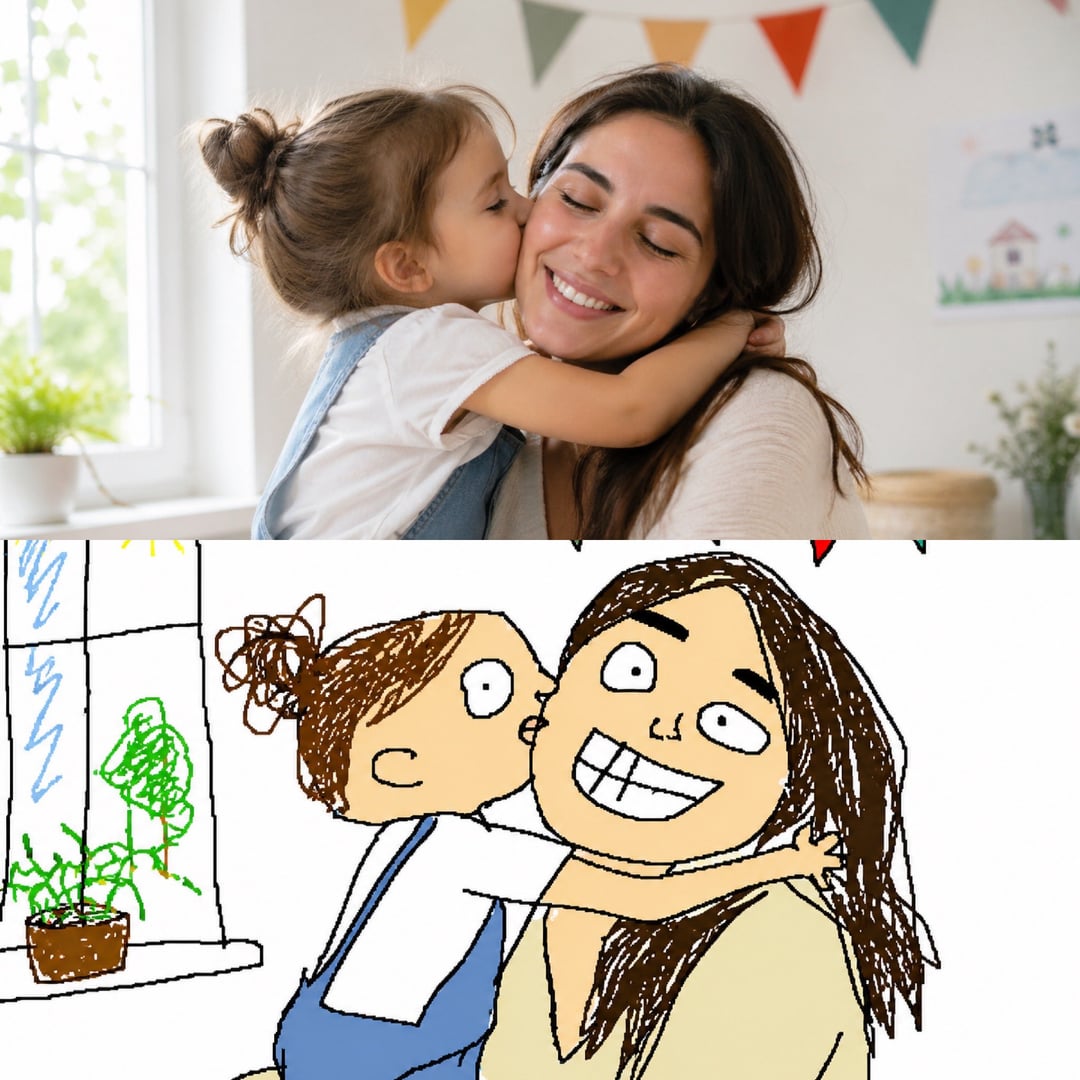
Redraw the Attached Image 提示词是什么?
这个趋势的核心是让图片模型不要追求精致,而是把上传的图片画成一种很笨、很潦草、像鼠标在 MS Paint 里硬画出来的效果。它好玩的地方在于:主体还能认出来,但线条、比例、颜色和细节都故意变得很尴尬。
需要上传参考图
它最适合 image-to-image 模式,因为模型需要根据真实图片进行重绘。
故意画得很烂
目标不是精致像素画,而是笨拙、不均匀、很潦草的鼠标画感。
白底和简单线条
纯白画布、粗糙轮廓和简单填色,会更像经典 MS Paint 效果。
MS Paint 重绘示例
看看 Redraw the attached image 提示词如何把照片、梗图和截图变成 MS Paint with a mouse 风格,同时保留原图的大致内容。
Prompt Breakdown
Redraw the Attached Image,但不要画精致
好的 clumsy MS Paint style image redrawer 会保留参考图的识别度,同时把结果推向抖动线条、简单填色、比例不稳,以及用鼠标在 MS Paint 里硬画出来的笨拙感。
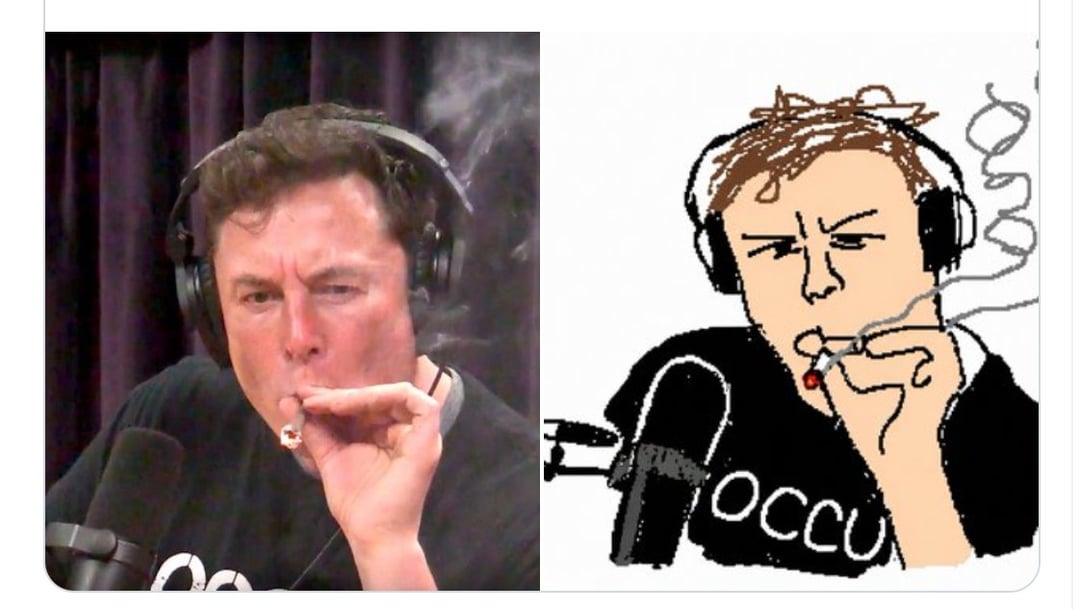
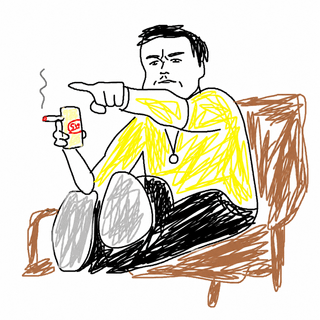
鼠标涂鸦肖像
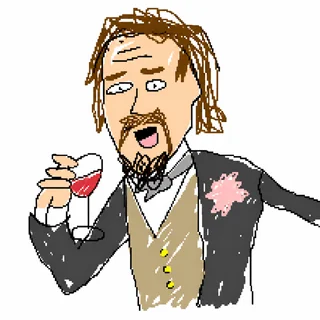
故意画烂角色
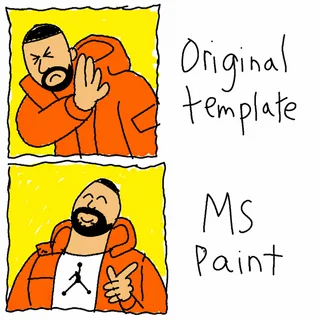
MS Paint 梗图模板
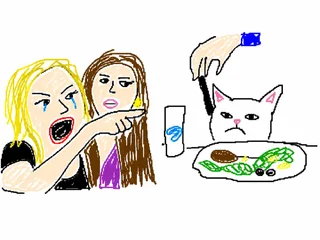
潦草图片重绘
如何使用这个爆火 MS Paint 提示词
流程很简单:上传图片、保留核心提示词,然后让模型把图片用最搞笑的方式画烂。
- 01
上传图片
使用 image-to-image 模式,上传你想重绘的照片、梗图、截图或角色图。
- 02
使用提示词
粘贴:Redraw the attached image in the most clumsy, scribbly, and utterly pathetic way possible. Use a white background, and make it look like it was drawn in MS Paint with a mouse.
- 03
太好看就继续变烂
如果结果还是太精致,可以追加 badly drawn、uneven lines、flat colors、no polish 等词。
可以组合使用的搜索词和提示词
想找更多案例或换一种丑萌风格,可以围绕这些关键词扩展。
MS Paint with a Mouse Prompt
最适合生成经典白底鼠标画风格。
Clumsy MS Paint Style Image Redrawer
适合查找这个趋势背后的工具页、提示词和案例。
ChatGPT MS Paint Badly Drawn Prompt
适合搜索前后对比类帖子。
把照片画成很烂的鼠标涂鸦
中文搜索时可以直接使用这个表达。
Redraw the Attached Image 常见问题
关于这个 MS Paint 鼠标涂鸦重绘提示词的常见问题。