
Clumsy MS Paint Style Image Redrawer
Upload a reference image, keep the prompt below, and generate a deliberately bad mouse-drawn redraw.
Redraw the Attached Image in Clumsy MS Paint Style
Try the viral ChatGPT image prompt: redraw an uploaded image in the most clumsy, scribbly, utterly pathetic way possible, like it was made in MS Paint with a mouse.
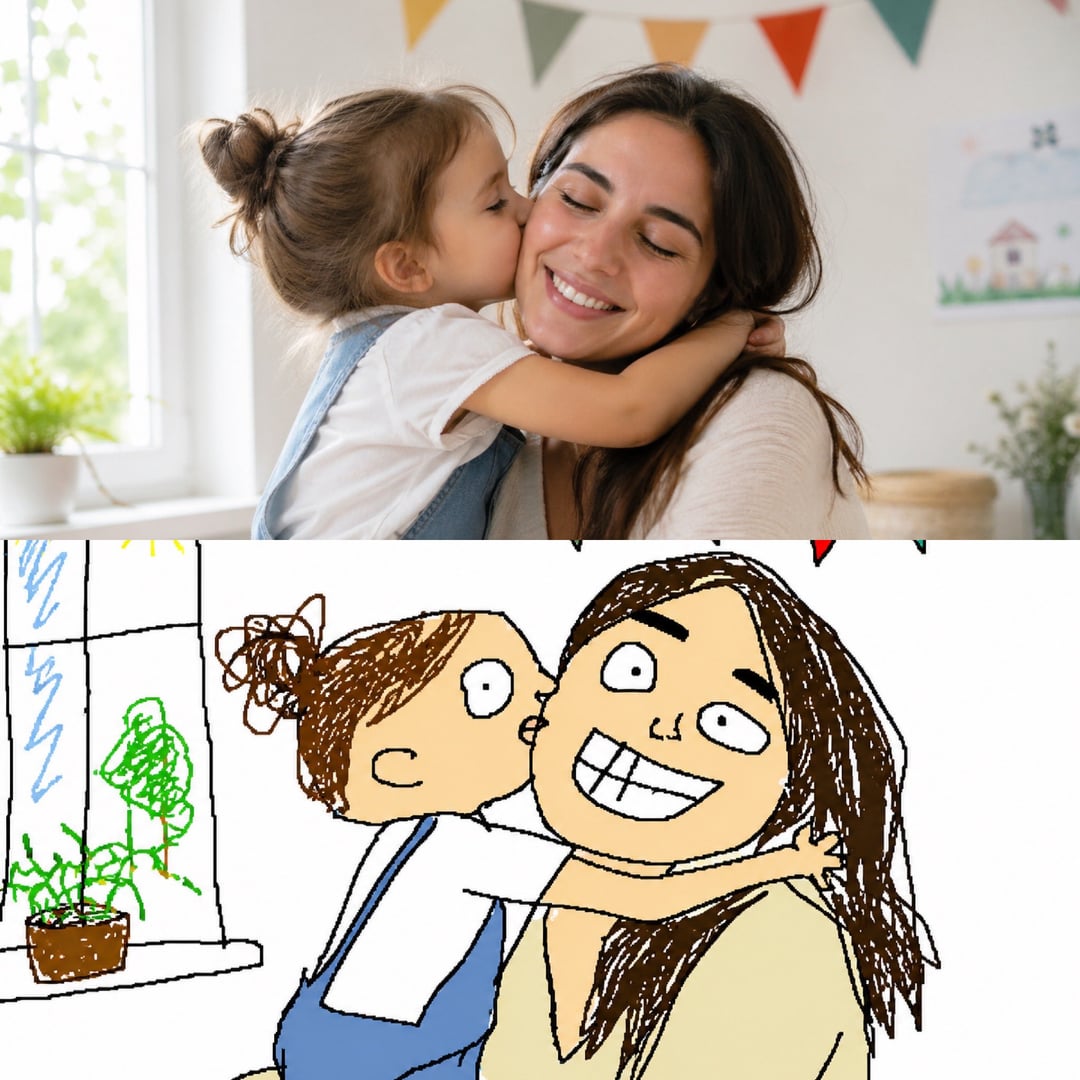
What Is the "Redraw the Attached Image" Prompt?
The trend asks an image model to ignore polish and redraw the uploaded picture as if someone opened MS Paint, grabbed a mouse, and tried their best for about thirty chaotic seconds. The appeal is the contrast: recognizable subjects, terrible lines, flat colors, and awkward little details that somehow make the image funnier.
Uses Your Uploaded Image
The prompt works best in image-to-image mode because the model needs a real reference to redraw.
Intentionally Bad Drawing
The style is not polished pixel art. It should feel clumsy, uneven, scribbly, and mouse-drawn.
White Background, Simple Lines
A plain white canvas and rough outlines help sell the MS Paint look.
MS Paint Redraw Examples
See how the Redraw the attached image prompt changes photos, memes, and screenshots into clumsy MS Paint with a mouse results without losing the original idea.
Prompt Breakdown
Redraw the Attached Image Without Making It Polished
A good clumsy MS Paint style image redrawer keeps the reference recognizable while pushing the output toward shaky outlines, flat fills, uneven proportions, and the awkward look of drawing in MS Paint with a mouse.
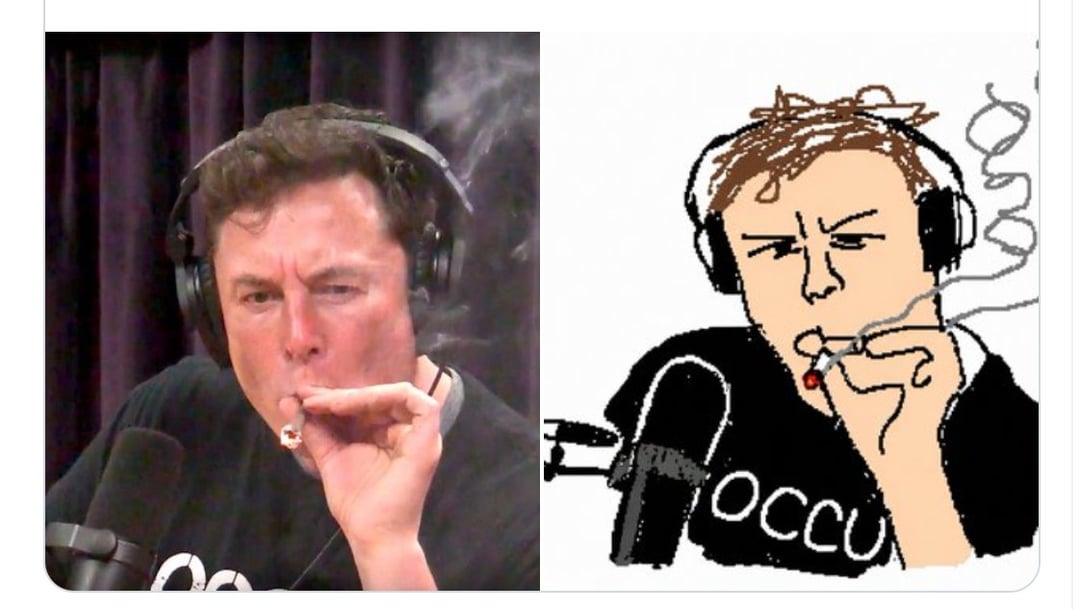
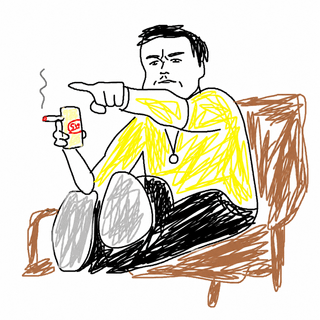
Mouse scribble portrait
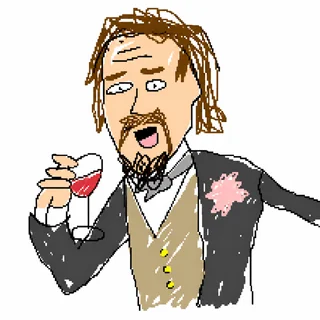
Badly drawn character
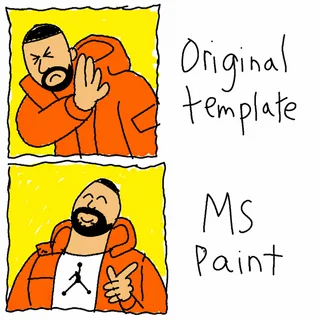
MS Paint meme template
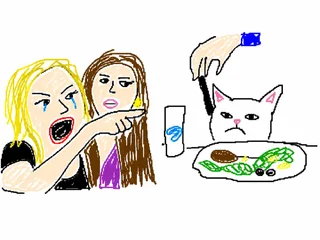
Scribbly image redraw
How to Use the Viral MS Paint Prompt
The workflow is simple: upload, keep the wording blunt, and let the model make the image worse in the funniest possible way.
- 01
Upload the Image
Use image-to-image mode and attach the photo, meme, screenshot, or character you want redrawn.
- 02
Use the Prompt
Paste: Redraw the attached image in the most clumsy, scribbly, and utterly pathetic way possible. Use a white background, and make it look like it was drawn in MS Paint with a mouse.
- 03
Regenerate for Worse Lines
If the result looks too good, add phrases like badly drawn, uneven lines, flat colors, or no polish.
Prompt Variations That Work
Use these search and prompt phrases when you want more examples or a slightly different bad-drawing flavor.
MS Paint with a Mouse Prompt
Best phrase for the classic white-background mouse drawing look.
Clumsy MS Paint Style Image Redrawer
Useful when you want the page, tool, or prompt recipe behind the trend.
ChatGPT MS Paint Badly Drawn Prompt
Good for finding posts that show before-and-after image examples.
Make It Look Drawn in MS Paint
A shorter variation that still pushes the model toward rough lines and simple fills.
Redraw the Attached Image FAQ
Common questions about the viral clumsy MS Paint redraw prompt.
Try the Clumsy MS Paint Redraw Prompt
Upload any image and generate a deliberately terrible redraw with the prompt already filled in.